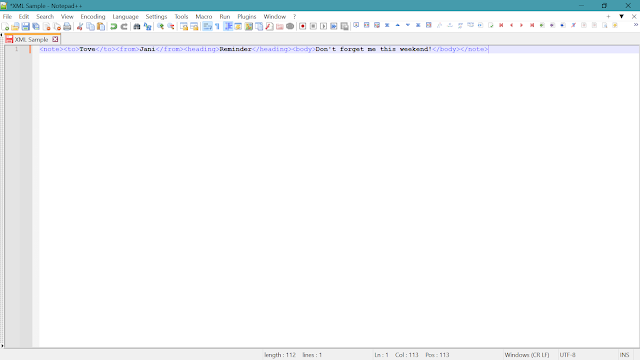
In this article I have shared the steps to Format XML in Notepad++. By following these steps we can skip the use of any web-based XML Formatter tool which can put the data security on risk.
Now lets see the steps to do it offline using Notepad++ :
STEP 1: Paste the XML data in Notepad++
 |
| Click on Image to ZOOM OUT |
STEP 2: Open the Finder Window by clicking CTRL+F (keyword) and then put the value as mentioned in the below image. Then Click Replace All. Done. You have successfully format XML data in Notepad++ 😇
 |
| Click on Image to ZOOM OUT |
 |
| Click on Image to ZOOM OUT |
Leave a Reply