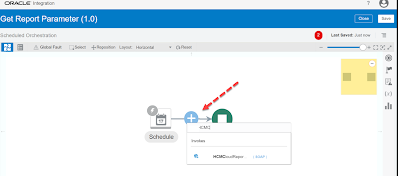
You can get the Report Parameters by selecting ‘getReportParameters‘ operations of the Standard SOAP WSDL (ExternalReportWSSService)
Lets see the complete steps to get Report Parameters by doing one POC :
Steps Overview :
- Create SOAP Connection using ‘ExternalReportWSSService’ WSDL
- Then Create a schedule integration using the above SOAP Connection inside which configure the SOAP Adapter to get Report Parameters
Create Connection :
- Login to OIC Instance. Click top left Hamburger sign (i.e. Menu icon) , Click Integrations and then Click Connections. Click Create (at top right) and then search SOAP Adapter. Select it. Give any meaningful name to the connection. Click Create
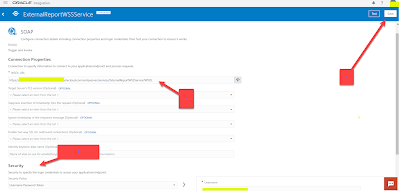
- Enter the ExternalReportWSSService WSDL URL. Below is the sample URL
https://<HCM Host Name>/xmlpserver/services/ExternalReportWSSService?WSDL
- Enter the HCM User Credentials in the Security section. Click Save. Click Test. Connection is ready to use in Integration
Create Integration :
STEP 1: Loin to OIC instance, Click the hamburger sign ,Navigate to Integrations, select Integrations. Create a Schedule Integration by clicking Create (top right)
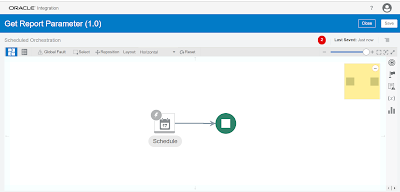
STEP 2 : Search for the SOAP Connection (ExternalReportWSSService) which we have created above and select it.

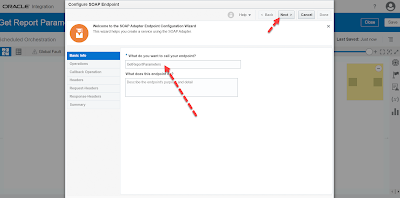
- Give adapter endpoint any meaningful name. Click Next
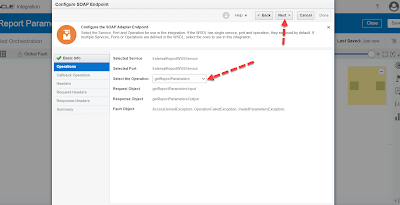
- Select operation “getReportParameters’ and click Next
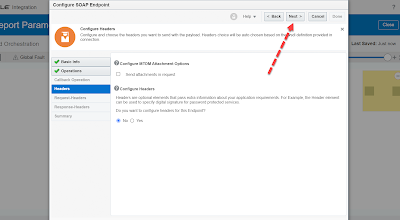
- Leave this window as it is , just click Next
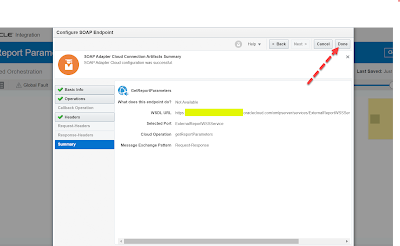
- Click Done. Adapter configuration completed.
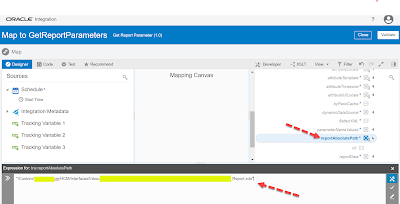
STEP 3 : Open the mapper. Lets complete the required mapping.
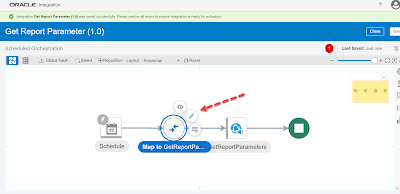
- Pass your Report Absolute path in the attribute name reportAbsolutePath*
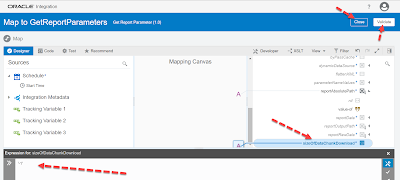
- Hardcode “-1” in the attribute sizeOfDataChunkDownload. That’s it. Mapping completed. With these two mappings only you can get Report Parameters Name in response.
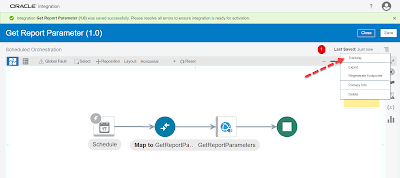
STEP 4: Enable Tracking for the Integration.
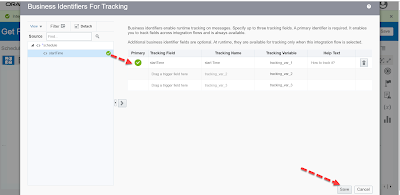
- Map the tracking and click Save.
- Integration is ready to test. Click Save and Close.
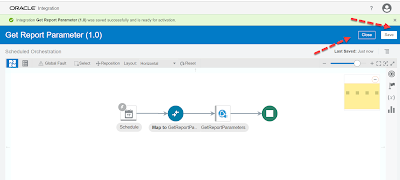
STEP 5 : TESTING : Activate the Integration and Run it.

- Navigate to the Integration Monitoring window and then check the Activity Stream. You can clearly see the REPORT PARAMETER NAMES in the response payload. You can use this response further in the downstream flow of the integration.

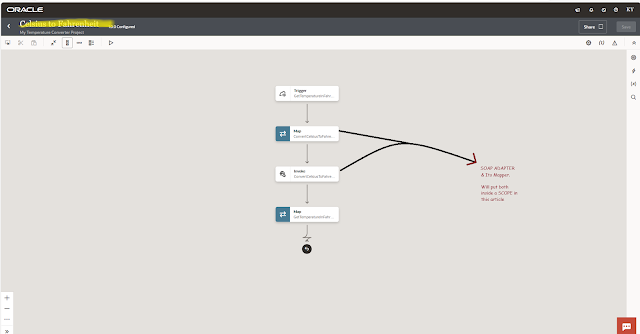

Hi Kabir,
Appreciate your efforts. Could you please do a similar POC for SubmitReport operation and let us know how to upload extracted file to UCM via Integration?
If you need instant solution you can connect me through email "thekabiryadav@gmail.com"