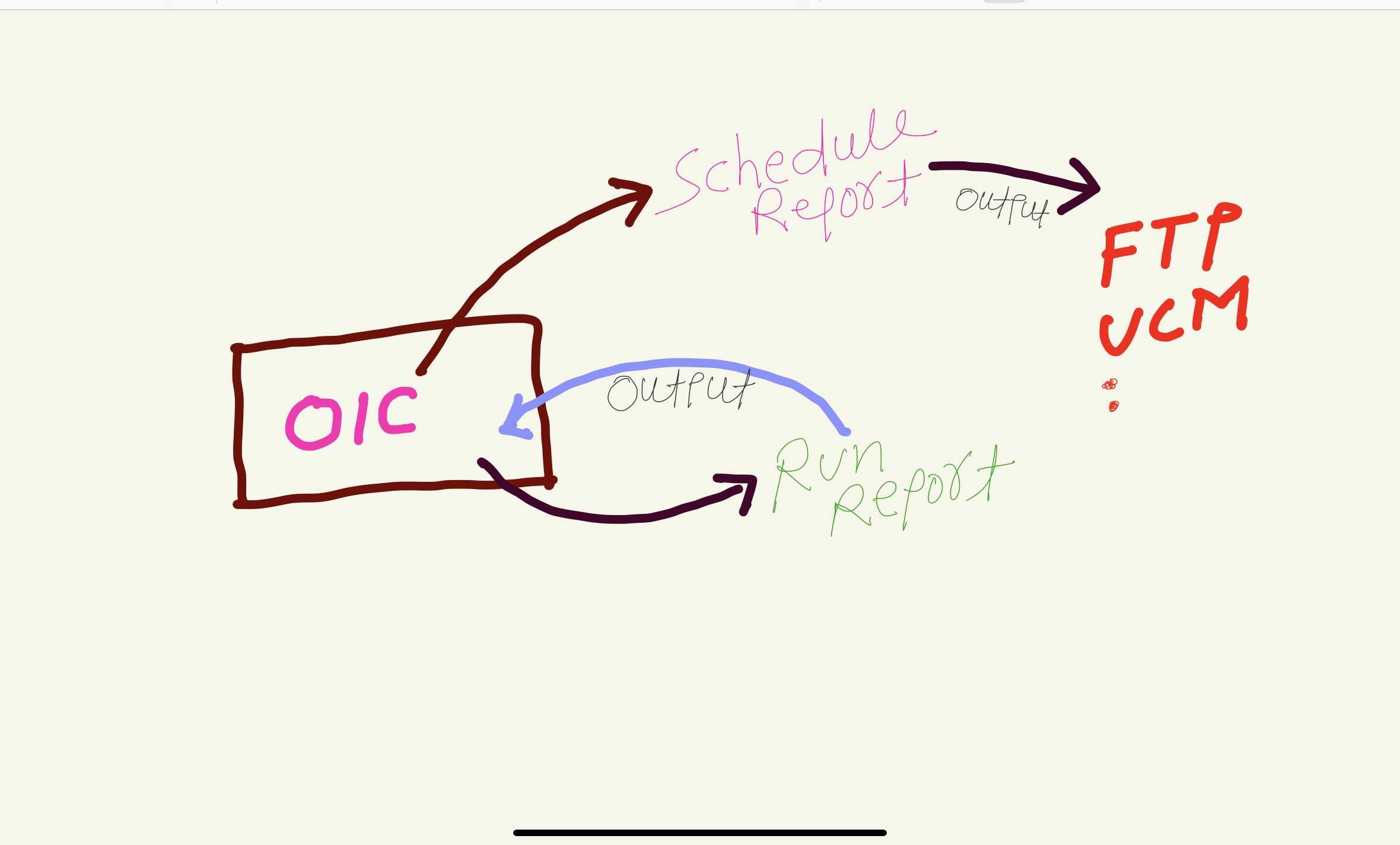
In this article I have mentioned the steps to develop an Integration that can invoke “Schedule Report” operation and can check the status of submitted schedule report operation i.e. Job Status. When to use Schedule Report & when to use run report operation ❓🤔 In laymen term , use ‘Run Report’ operation if report output size is <10
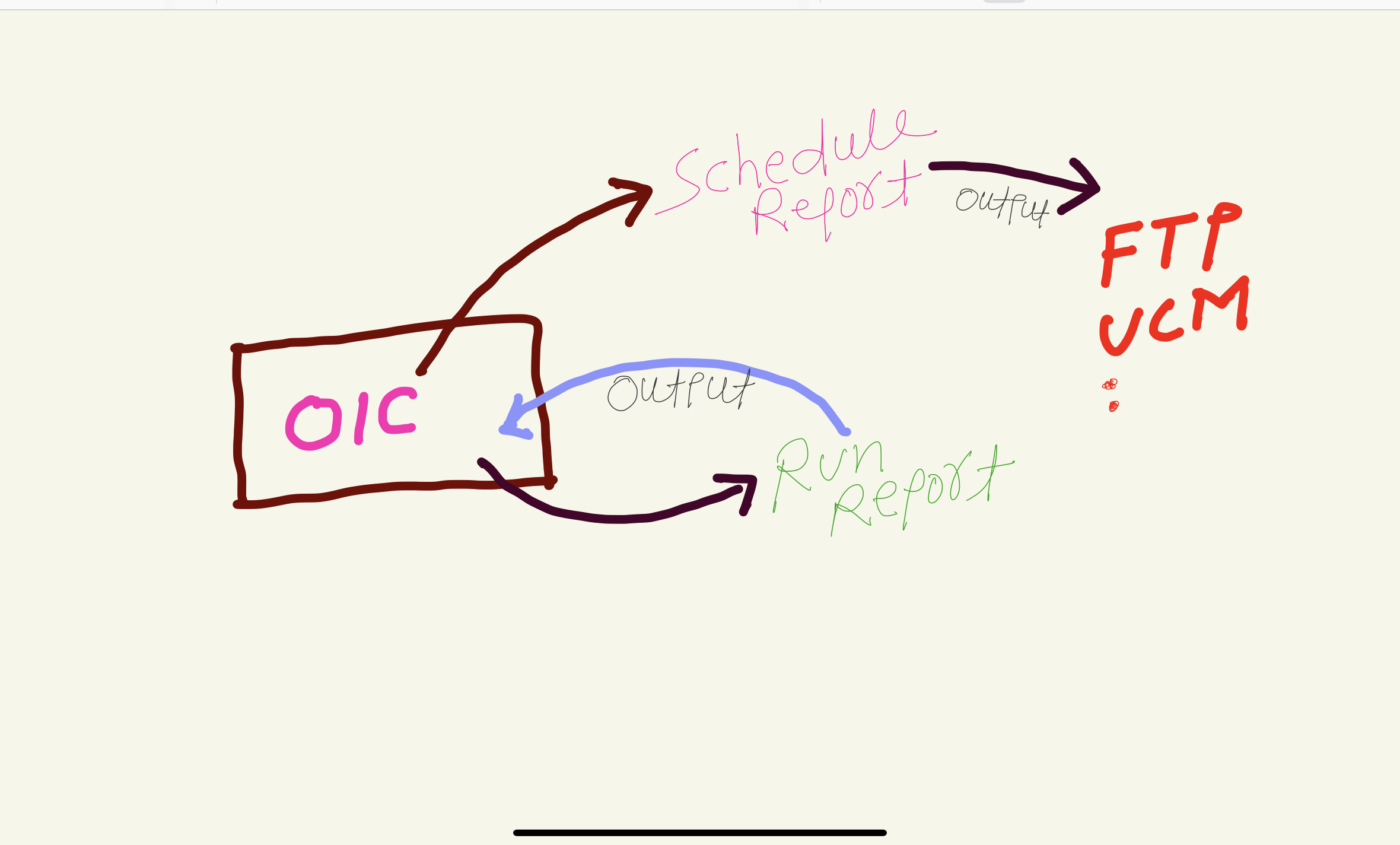
In this article I have mentioned the steps to develop an Integration that can invoke “Schedule Report” operation and can check the status of submitted schedule report operation i.e. Job Status. When to use Schedule Report & when to use run report operation ❓🤔 In laymen term , use ‘Run Report’ operation if report output size is <10
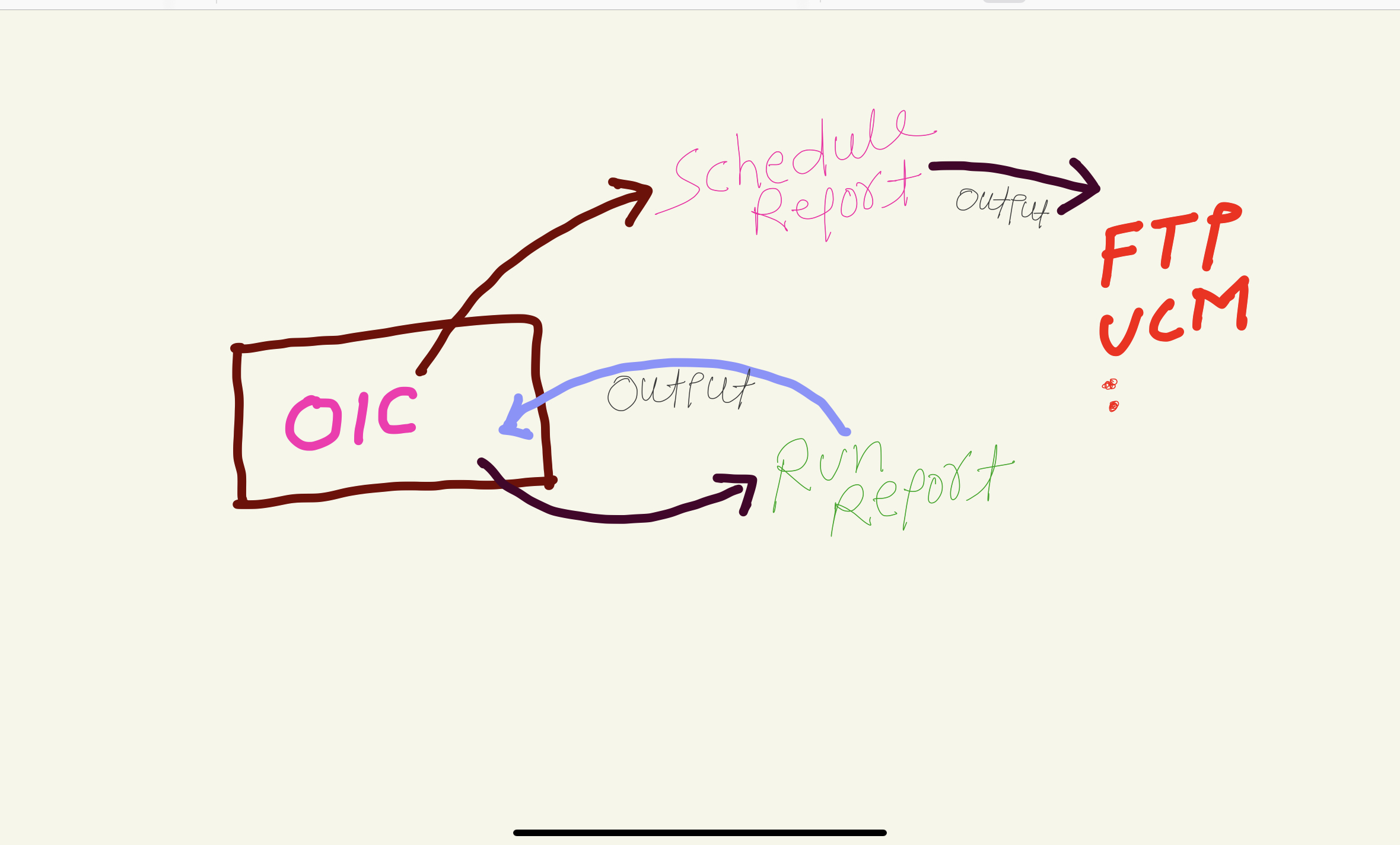
In this article I have mentioned the steps to develop an Integration that can invoke “Schedule Report” operation and can check the status of submitted schedule report operation i.e. Job Status. When to use Schedule Report & when to use run report operation ❓🤔 In laymen term , use ‘Run Report’ operation if report output size is <10
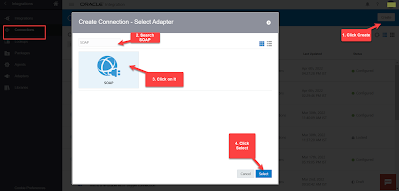
In this article I have mentioned the steps to Create Schedule Service SOAP Connection that can be use to Schedule BI Publisher Report through OIC. Login to OIC Instance. Navigate to Connections window, Click on Create button (top right) and then Search for SOAP Adapter. Select SOAP adapter and click Select button. Enter any
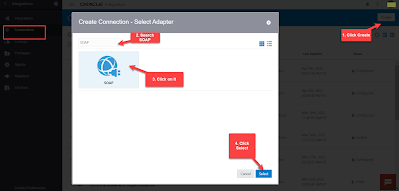
In this article I have mentioned the steps to Create Schedule Service SOAP Connection that can be use to Schedule BI Publisher Report through OIC. Login to OIC Instance. Navigate to Connections window, Click on Create button (top right) and then Search for SOAP Adapter. Select SOAP adapter and click Select button. Enter any
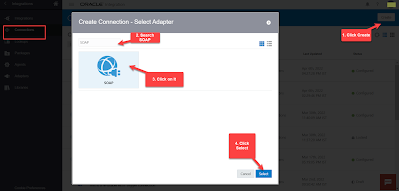
In this article I have mentioned the steps to Create Schedule Service SOAP Connection that can be use to Schedule BI Publisher Report through OIC. Login to OIC Instance. Navigate to Connections window, Click on Create button (top right) and then Search for SOAP Adapter. Select SOAP adapter and click Select button. Enter any
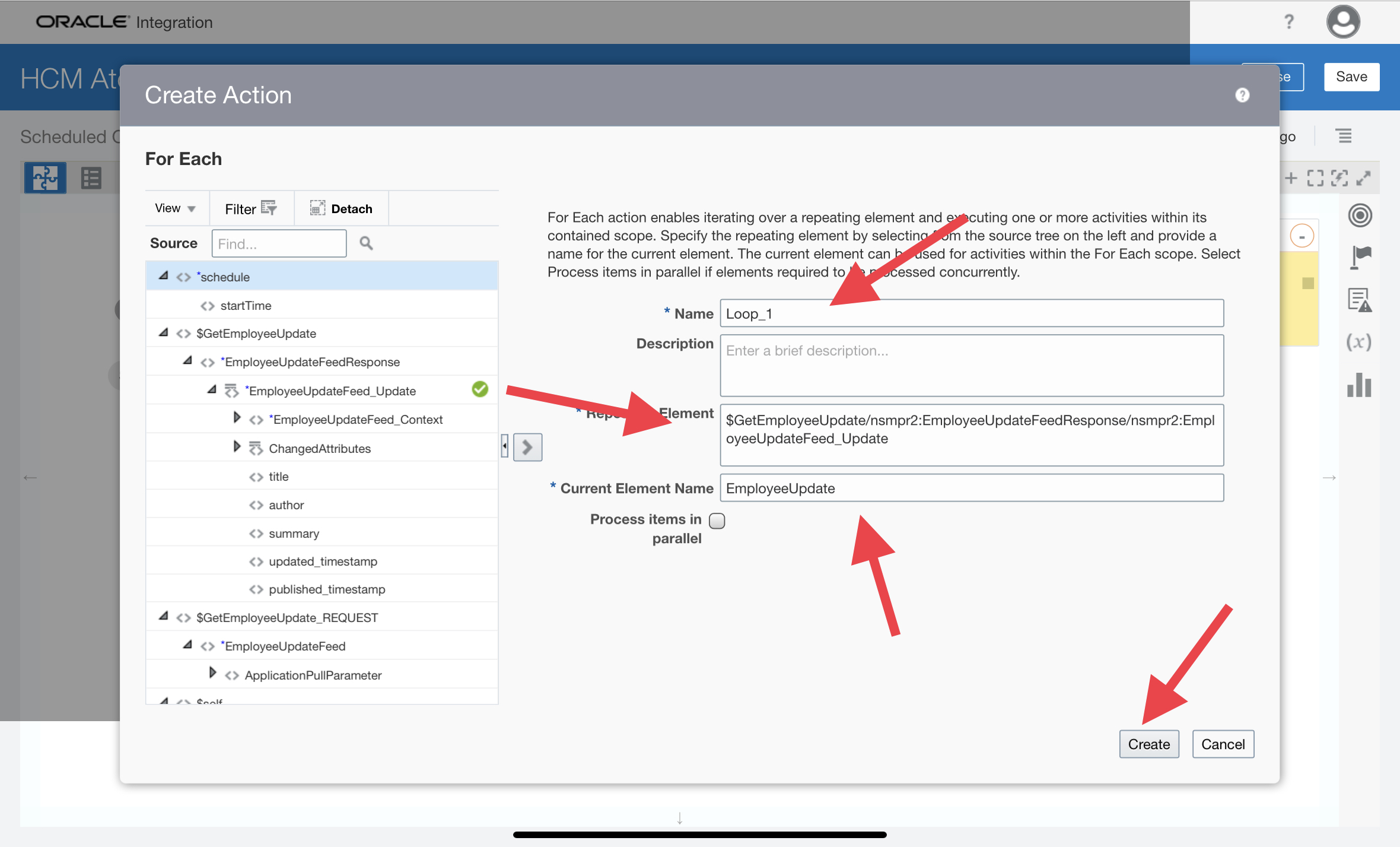
In this Article I have tried to explain HCM Atom Feeds and also have develop one end to end Integration to let you know how you can subscribe to changes made to feed-enabled resources in Oracle HCM Cloud through OIC Integration. What are Atom Feeds ? HCM Atom Feeds offer a real time mechanism to subscribe
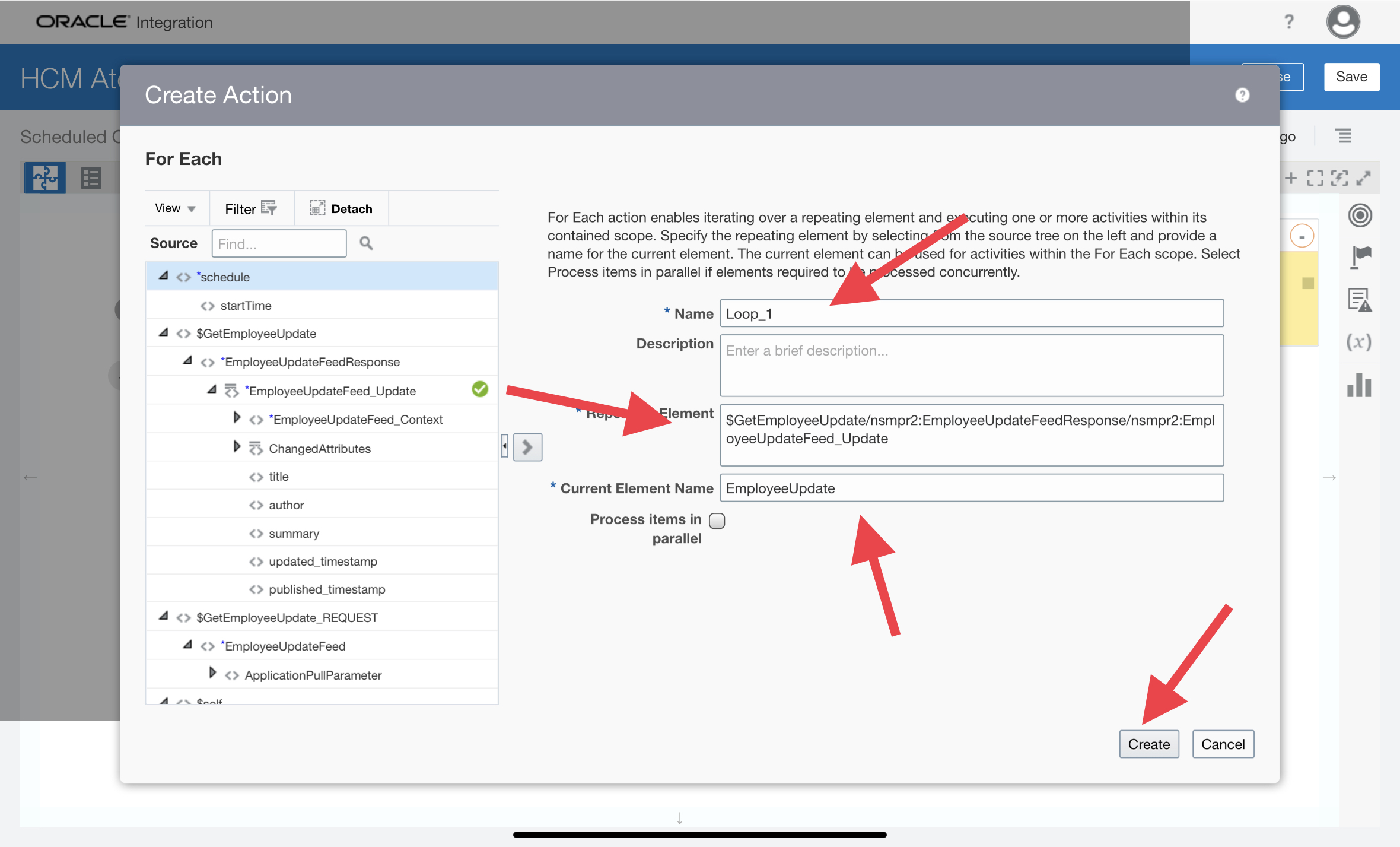
In this Article I have tried to explain HCM Atom Feeds and also have develop one end to end Integration to let you know how you can subscribe to changes made to feed-enabled resources in Oracle HCM Cloud through OIC Integration. What are Atom Feeds ? HCM Atom Feeds offer a real time mechanism to subscribe
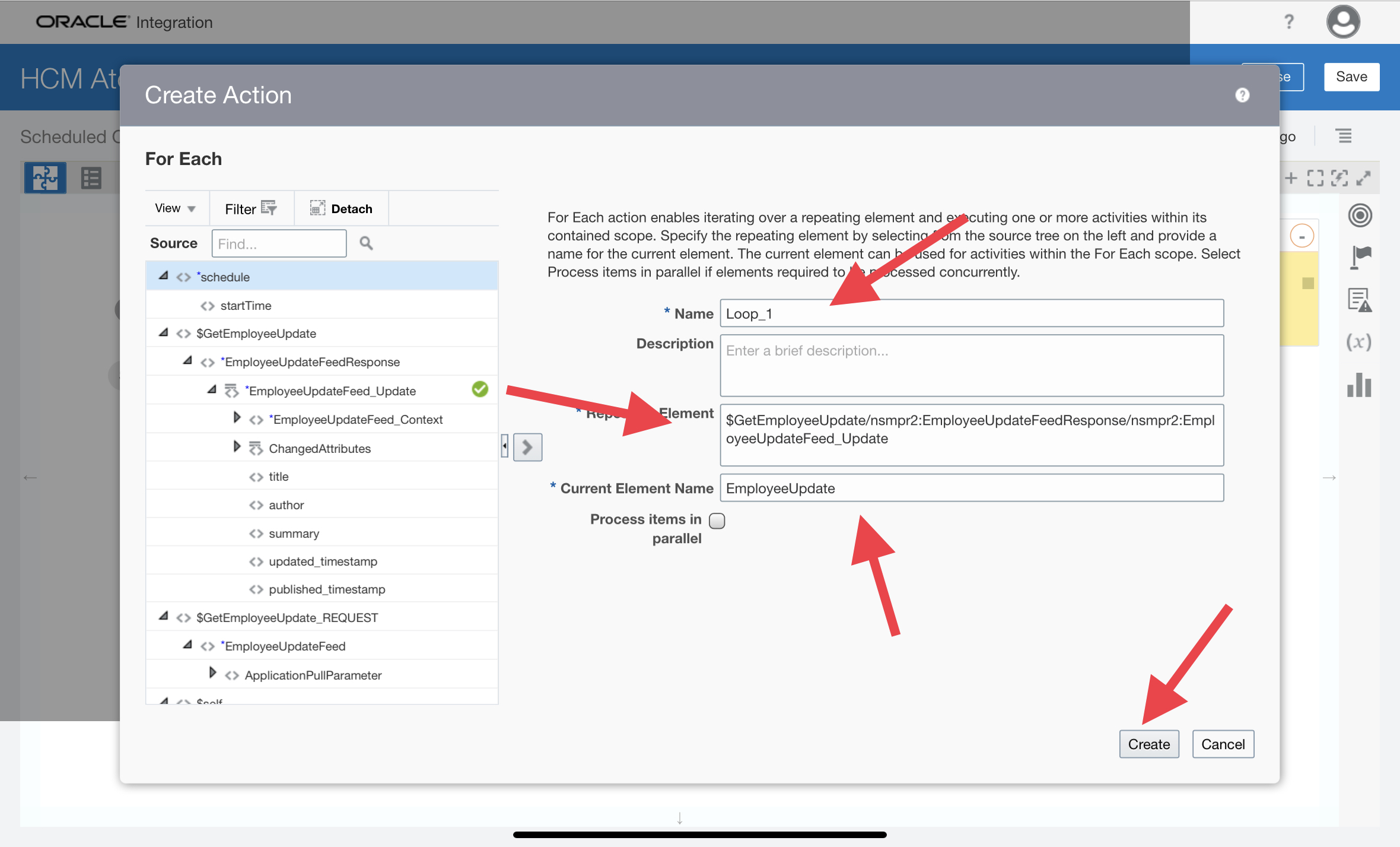
In this Article I have tried to explain HCM Atom Feeds and also have develop one end to end Integration to let you know how you can subscribe to changes made to feed-enabled resources in Oracle HCM Cloud through OIC Integration. What are Atom Feeds ? HCM Atom Feeds offer a real time mechanism to subscribe
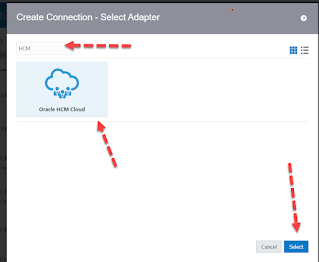
In this article I have wrote down the steps to create Oracle HCM Cloud Adapter connection in Oracle Integration Cloud. – Advertisement – Login to OIC Instance, Click on top left hamburger sign and then click Integrations, Click Connections Click Create (Top Left ), Search for HCM Adapter. Select it and then click Create. Enter any meaningful