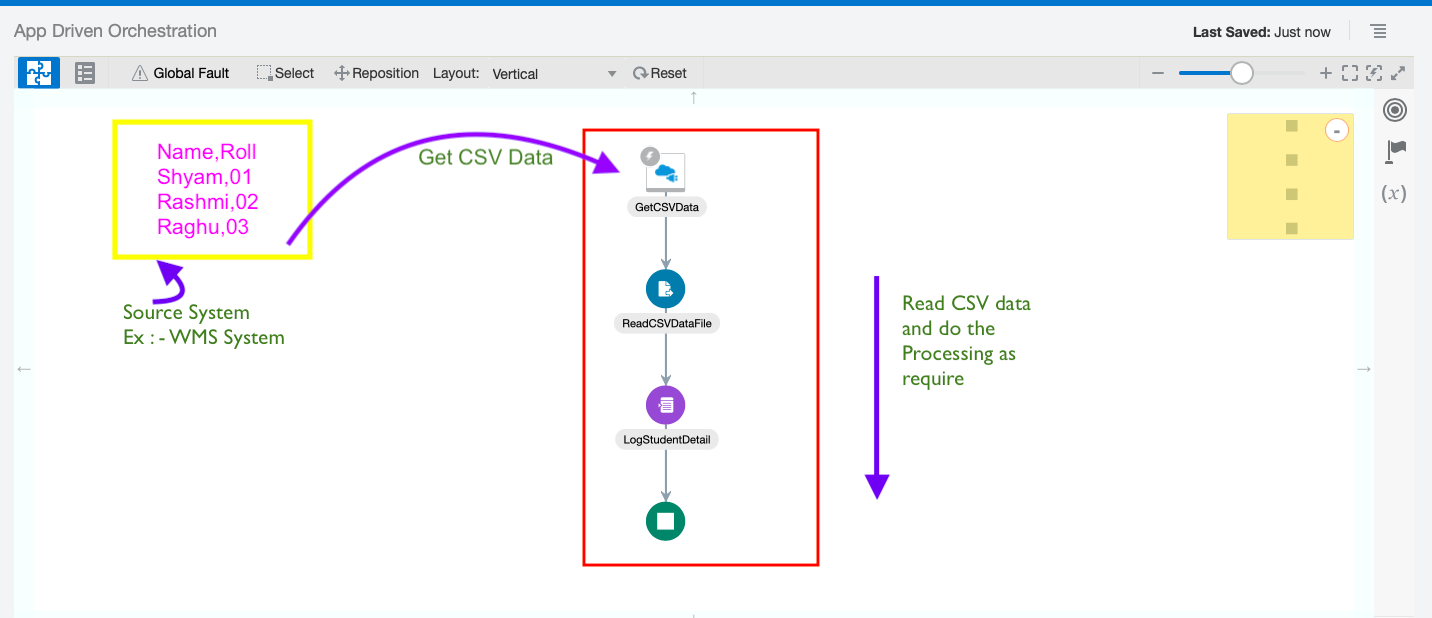
In this blog we will see the steps to configure REST Trigger (Source) Endpoint which can receive CSV data as Input from any source system (ex : from WMS System) and do the data processing as require further. Click to Zoom Out – Advertisement – Lets see the Steps in Detail by doing one end to
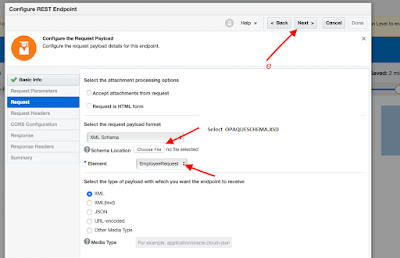
Schema ❓ In OIC Schema File (i.e. XML Schema) is used to define the structure of the file which is being used to store data. Below is an example of an XML schema, or XML schema definition (XSD). – Advertisement – <xs:schema attributeFormDefault=”unqualified” elementFormDefault=”qualified” targetNamespace=”http://xmlns.oracle.com/employeedetails” xmlns:xs=”http://www.w3.org/2001/XMLSchema”> <xs:element name=”EmployeeRequest”> <xs:complexType> <xs:sequence> <xs:element name=”Employee” maxOccurs=”unbounded”> <xs:complexType> <xs:sequence> <xs:element
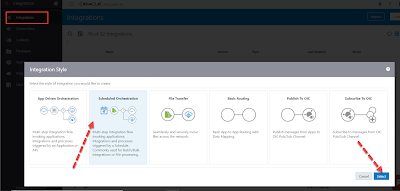
Schedule parameters : ❓ are available across all scheduled runs of an integration and can be used to facilitate processing of data from one run to the next. For example, when performing batch processing a schedule parameter can be used to track the current position of batched data between runs. Schedule Parameters : 🌟Maximum 5 variables can
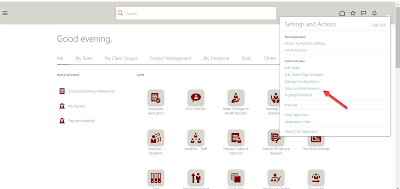
In this article we will see the steps to find the configured Elements and its detail (like element input type etc. ) in any HCM Cloud Application Instance. What are Elements in HCM Cloud Application❓ Elements are components that store data, identify formulas and hold rules for processing values. The payroll process uses elements to calculate
In this article I have mentioned the steps to Import and Export the Payroll Flow Patterns from one HCM Cloud Application Instance to another HCM Cloud Application Instance. I have motioned the steps for both Individual Flow Migration as well as Multiple Flow Migration. – Advertisement – Individual Flow Migration If you just want to migrate single
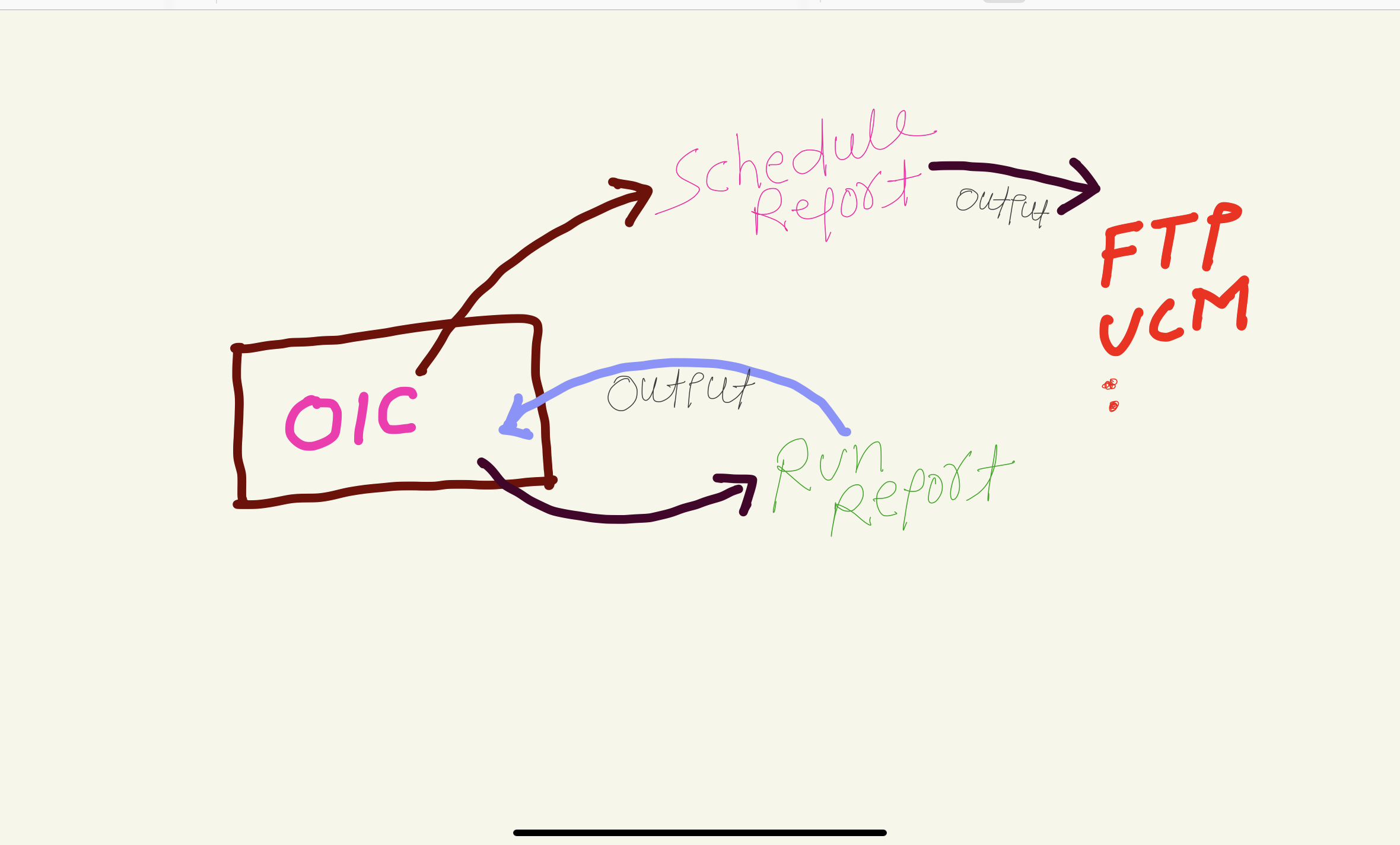
In this article I have mentioned the steps to develop an Integration that can invoke “Schedule Report” operation and can check the status of submitted schedule report operation i.e. Job Status. When to use Schedule Report & when to use run report operation ❓🤔 In laymen term , use ‘Run Report’ operation if report output size is <10
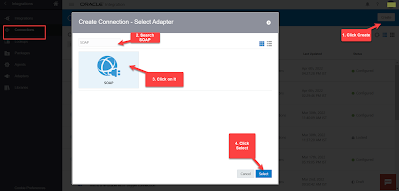
In this article I have mentioned the steps to Create Schedule Service SOAP Connection that can be use to Schedule BI Publisher Report through OIC. Login to OIC Instance. Navigate to Connections window, Click on Create button (top right) and then Search for SOAP Adapter. Select SOAP adapter and click Select button. Enter any
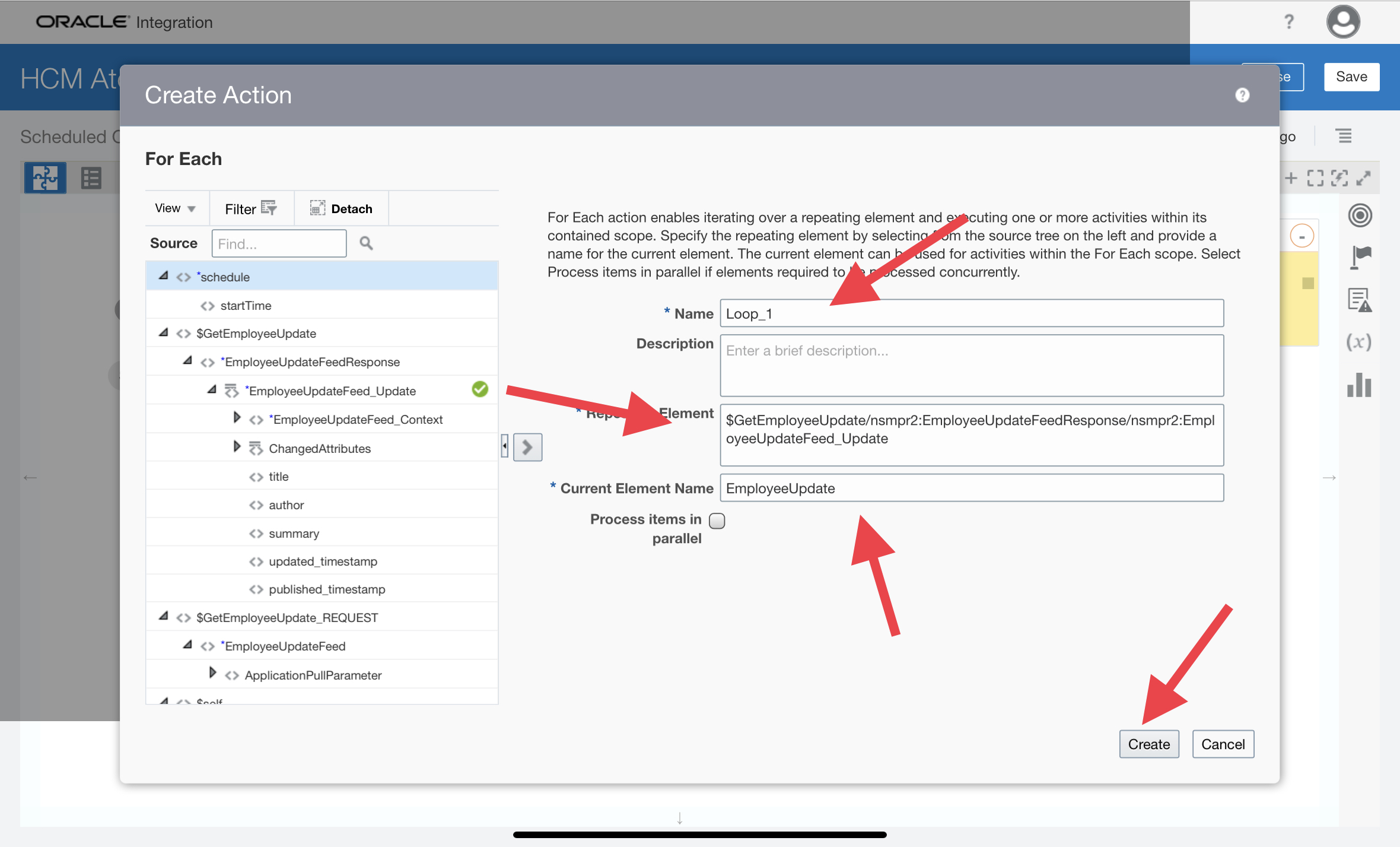
In this Article I have tried to explain HCM Atom Feeds and also have develop one end to end Integration to let you know how you can subscribe to changes made to feed-enabled resources in Oracle HCM Cloud through OIC Integration. What are Atom Feeds ? HCM Atom Feeds offer a real time mechanism to subscribe
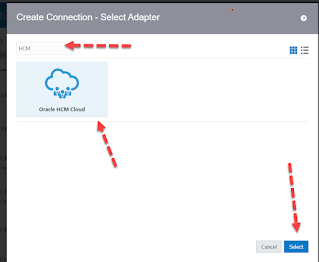
In this article I have wrote down the steps to create Oracle HCM Cloud Adapter connection in Oracle Integration Cloud. – Advertisement – Login to OIC Instance, Click on top left hamburger sign and then click Integrations, Click Connections Click Create (Top Left ), Search for HCM Adapter. Select it and then click Create. Enter any meaningful
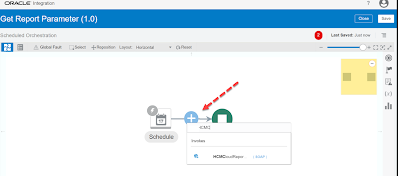
You can get the Report Parameters by selecting ‘getReportParameters‘ operations of the Standard SOAP WSDL (ExternalReportWSSService) Lets see the complete steps to get Report Parameters by doing one POC : Steps Overview : Create SOAP Connection using ‘ExternalReportWSSService’ WSDL Then Create a schedule integration using the above SOAP Connection inside which configure the SOAP Adapter